How to Pick a Random Winner on VK in 4 Steps (2026 Guide)
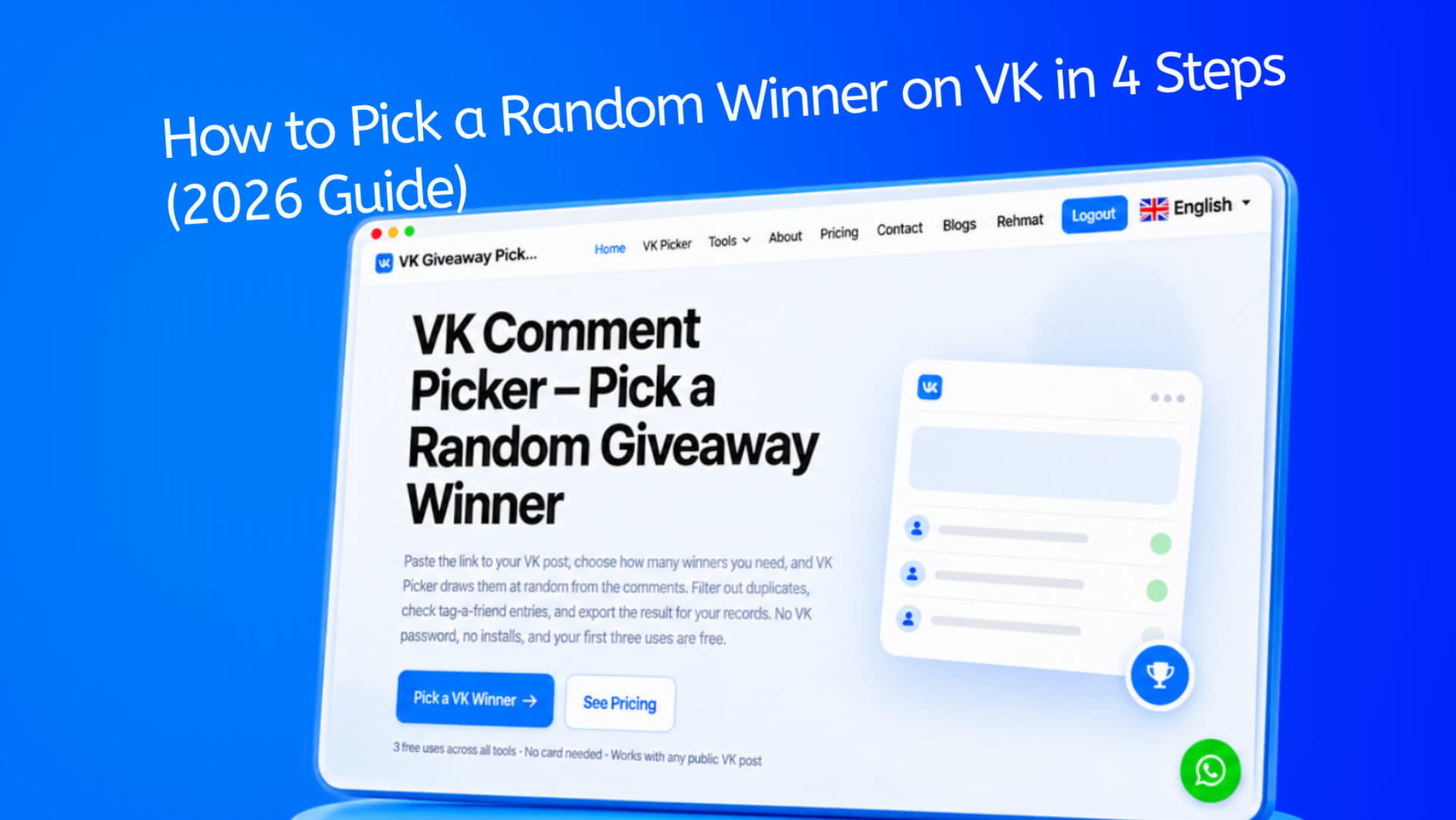
VK Picker is a Comment Picker – Pick a Random Giveaway Winner. Paste the link to your VK post, choose how many winners you need, and VK Picker draws them at random from the comments. Filter out duplicates, check tag-a-friend entries, and export the result for your records. No VK password, no installs, and your first three uses are free.
Every VK community that runs a giveaway hits the same problem. The post does well, hundreds of people comment, and then someone has to choose a winner. Picking by hand takes a long time, and nobody can check it. A screenshot of a random-number app does not prove much either. There is always someone in the comments asking whether the draw was rigged.
That is the problem this guide solves. You will learn how to pick a winner on VK in four clear steps, how to set rules that match what you promised, and how to announce the result so your audience trusts it. The method works for community admins, bloggers and creators, online shops, and agencies running a draw for a client.
Why picking by hand does not work on VK
A small giveaway with twenty comments is easy to judge by hand. A VK giveaway is rarely that small. A popular post can collect hundreds or thousands of comments, including replies, repeated comments from the same person, spam, and one-word answers that do not meet your rules.
Manual picking creates three risks. First, it is slow. Reading every comment, checking who commented twice, and checking who used the right keyword takes hours. Second, it is hard to prove. Even an honest admin cannot show every follower that the choice was random. Third, it invites doubt. If the winner happens to be someone the admin knows, the comments will say so, whether it is true or not.
A comment picker removes those risks by doing the boring checks first and the random choice second. It loads the comments, drops the entries that break your rules, and then draws from everyone who is left. Every eligible entry has the same chance, and you keep a record you can share.
How to pick a winner on VK in four steps
You do not need to install anything or connect your VK account. The whole draw happens in your browser, and it takes minutes once your post is ready.
Step 1: Copy the link to your VK post
Open the giveaway post on VK and copy its address. It will look like vk.com/wall-123456_789. That is the wall post address, with the community or user ID first and the post ID second.
Your post needs to be public so VK Picker can read the comments. If the post is private, limited to friends, or only visible to community members, the tool cannot load the comments. Change the visibility before you start, and keep it public until after you have announced the winner.
Check the post itself before you copy the link. Read your rules once more. Do they say how to enter, who can take part, when entries close, and how the winner will be picked? If any of those are missing, edit the post now. Changing the rules after entries close is one of the fastest ways to lose trust.
Step 2: Paste it into VK Picker and choose how many winners
Paste the link into the VK Post URL field on the VK comment picker page and enter the number of winners. Choose one winner for a single prize, or more if you are giving away several prizes.
Think about backup winners before you draw, not after. If your first winner does not reply, you will need a clear plan. The simplest plan is to state a reply deadline in your rules, for example 48 hours, and then run a new draw from the same pool if the deadline passes. Say that in advance, so a redraw does not look like a second chance to pick someone else.
Step 3: Set your rules
This is the step most people rush, and it is the step that matters most. Turn on only the filters that match the rules you already published. Do not add a new condition at draw time that entrants did not see.
The filters available in VK Picker are:
- One entry per person. Turn on duplicate removal and each VK user counts once, however many comments they leave. Use this whenever your rules say one entry per person.
- Keyword filter. If your post asks people to comment with a particular word or answer a question, add that word as a keyword. Only comments containing it are counted. It works with Russian, English, and other languages your audience writes in.
- Exclude words. Add words that should knock a comment out, such as spam phrases or links to other giveaways. Any comment containing them is left out of the draw.
- Tag-a-friend check. When this filter is on, only comments that mention another VK user count as entries. Use it only when your published rules asked for a tag, and check it against VK's current contest rules first.
- Minimum comment length. Set a minimum number of characters to skip one-word or emoji-only comments. This helps when your giveaway asks for a story, review, or answer rather than a single sticker.
- Include replies. Decide whether replies in a thread count as entries. Some conversations happen in reply threads, and you need to decide in advance whether those replies count.
One honest limit to know: VK Picker reads comments. It does not check whether someone follows your community, reposted your post, or liked it. If your rules include a follow, repost, or like, check the winner for those conditions by hand before you announce them. Do not claim the picker verified something it cannot see.
Step 4: Generate winners and export the result
Press Generate Winners. VK Picker loads the comments, drops entries that break your rules, and draws winners at random from everyone left.
Save the result straight away. Pro plans can export the draw as PDF, Excel, or CSV for your records or for your audience. A free account gives you three uses across all tools, with no card needed. After that, Pro is $5 a month or $50 a year.
Then announce the result where the giveaway ran. Add the winner's name in a comment or a new post, and attach the export or a screenshot. Give the winner a clear deadline to reply. If they do not answer, run a new draw and say so publicly. Agencies and shops should keep the exported file as a clear record of how the giveaway ended, especially when the draw was run for a client.
How the random draw works
A fair giveaway needs a fair pool of entries and a fair way of choosing from it. The filters take care of the pool. The draw itself uses your browser's built-in cryptographically secure random generator, the Web Crypto API used by browsers for security tasks.
Every eligible entry has the same chance of being picked. The result cannot be predicted in advance or nudged towards a particular person. Run the draw once, keep the export, and announce that result. If your audience asks how the winner was chosen, you can say that every valid comment was entered, the rules were applied equally, and a secure random generator made the choice.
Do not run the draw again because you do not like the first result. Redrawing until you get a preferred winner is the same as picking by hand, and your audience will notice if the announced winner changes without explanation. The only fair reason to draw again is the one you stated in advance: the winner did not reply by the deadline, or the winner failed a condition you check by hand, such as a follow or repost.
VK giveaway rules you must follow
A good tool does not make a bad giveaway legal or allowed. VK has its own contest rules, and breaking them can get a post removed or a community banned. This section is general information, not legal advice. Read VK's current Contest Rules before you publish, because the platform updates them.
The core rules that appear again and again in VK's guidance are simple. Entry must be free. You cannot charge people to take part, sell lottery tickets, or ask for a payment to enter. The draw date must be fixed. Do not write "we will draw when we reach 100,000 likes" or another floating deadline. Give a real date and time, and stick to it.
Do not use mass messaging or spam to promote the giveaway. Do not send unsolicited messages asking people to vote, and do not ask participants to spam others on your behalf. Keep conditions simple. One or two actions are easier to check and easier for people to follow. If a condition would require a participant to subscribe to another source, download an app, or leave personal data, treat it as advertising or a separate promotion, not as a simple entry step.
Write your rules with the Giveaway Rules Generator before you post, and paste the finished rules into the VK post itself. That way the rules, the prize, the closing time, and the draw method are all in one place, and you can point to them if anyone questions the result later.
Popular VK giveaway formats, and the filters for each
Not every giveaway should use the same filters. Match the format to the filters, and write the format into your rules.
Comment to enter
This is the simplest format. Ask people to leave a comment, and draw one winner from all comments. Turn on duplicate removal so each person counts once. If the post attracts spam, add exclude words too.
Tag a friend in the comments
Ask entrants to mention a friend in their comment. Turn on the tag-a-friend check and duplicate removal, so each person enters once and only comments with a tag count. Keep the ask to one friend unless you have a clear reason to ask for more, and do not present a tag as a way to invite people into the community if VK's rules do not allow that mechanic.
Answer the question
Ask a question and draw from the people who answered it well. Set a minimum comment length to skip one-word replies, and use a keyword when every answer should include one. For example, if the question is "Which flavour should we launch next?", set the keyword to the flavour names you listed, so off-topic comments do not enter the pool.
Use the code word
Give entrants a code word and ask them to include it in a comment. Add that word as a keyword, and only comments containing it go into the draw. This is useful for tracking entries from a video, a live stream, or another post, because the code word proves where the entrant came from.
Mistakes that make a giveaway look rigged
Avoid these five mistakes, and most complaints disappear.
- Changing the rules after the post goes live.
- Drawing before entries close.
- Forgetting duplicate removal when the rules say one entry per person.
- Announcing a winner with no proof of the draw.
- Letting staff enter when that possibility was not addressed in the rules.
Two more mistakes are easy to miss. The first is announcing a winner in a private message only. If the audience never sees the result, they cannot trust it. Announce it publicly, in the same place the giveaway ran. The second is picking a winner from a post that was not public at draw time. If comments were hidden, the pool was not the pool you promised.
What to give away on VK
The prize should fit the audience and the effort you asked for. If entry takes two seconds, a small prize is fair. If entry asks for a photo, a story, or a review, the prize should be worth that work.
Good options for most VK communities are your own products, a gift certificate for your shop, or a low-cost item your audience already wants. Cash prizes attract many people who do not care about your community, and expensive prizes such as cars or holidays attract entries from far outside your audience. Both can grow numbers without growing loyal members.
Need ideas? Try the Giveaway Prize Generator to brainstorm prizes that fit your shop, your community, and your budget. Then write the prize, the number of winners, and how the prize will be delivered into the post. If delivery is limited to one country or city, say so. Nothing damages a giveaway faster than a winner who cannot receive the prize.
How to announce a VK giveaway winner
Announcing well is part of running the draw well. Post the winner's name as a link, so they get notified and other people can check the profile. Add the date and time of the draw, the number of entries after filtering, and a screenshot or export of the result.
Thank everyone who took part, and say what happens next. If you run giveaways regularly, say when the next one will be. If the winner has 48 hours to reply, say that too, and say what happens if they do not.
If the winner does not reply, do not quietly pick someone else. Post a short update: the first winner did not reply by the deadline, so a new draw was run from the same pool, and here is the new winner. That transparency is what turns a one-off giveaway into trust for the next one.
Who uses VK Picker
VK Picker is built for the people who actually run VK giveaways, not just for one type of user.
Community admins use it to take a post with hundreds of comments to an announced winner in a few minutes, while enforcing the rules they published. Bloggers and creators use it because a transparent draw with a downloadable result shows followers that the prize went to a random commenter. Online shops and brands use it to launch products, gather reviews, and reach new buyers, with keyword and minimum-length filters for contests that ask for a review or answer. Marketing agencies use it to run giveaways for several clients without account access, while exports give each client a record of how the winner was chosen.
In every case, the same rule applies: the organiser needs the post link, and the entrants need nothing except a public comment that follows the rules.
Did your VK giveaway work?
A giveaway is not finished when the winner is announced. Check whether it did what you wanted. Did the community gain members who stayed? Did comments and reach rise, or did they fall back the next day? Did the prize bring in buyers, or only prize hunters?
Measure the outcome with the Giveaway ROI Calculator. Put in what the prize and promotion cost, and what you got back in sales, sign-ups, or other results you can count. If the return was low, change one thing next time — the prize, the entry method, or the closing time — rather than changing everything at once. That way you learn what actually worked.
Your VK giveaway checklist
Use this checklist before you post, and again before you draw.
- Write the rules in the post: how to enter, who can participate, when entries close, and how the winner will be picked.
- Keep conditions simple. One or two actions are easier to check and easier for people to follow.
- Choose a prize that fits your audience, and say how it will be delivered.
- Set a closing time and run the draw after entries close.
- Make the post public and keep it public until after the announcement.
- Use filters that match your published rules, including duplicate removal when the rules say one entry per person.
- Draw once, save the export, and announce the result openly.
- Give the winner a reply deadline, and say what happens if they do not reply.
- Check a follow, repost, or like condition by hand if your rules included one, because the comment picker cannot verify it.
- Measure the outcome, and note one change for the next giveaway.
Follow that list, and your next VK giveaway will be faster to run, easier to prove, and harder to question. Paste your VK post link, set your rules, and get a fair random winner in a few clicks. Your first three uses are free.
Frequently Asked Questions
Yes, VK Picker uses your browser's cryptographically secure random generator, the Web Crypto API, so every eligible comment has the same chance of winning. Filters are applied first, so only comments that meet your published rules enter the draw.
No, you never share your VK password or log in through VK Picker, because the tool only reads comments on the public post link you paste in. It cannot post, message, delete, or change anything on your VK account.
Yes, your post must be public while you run the draw, because VK Picker can only read comments that anyone can see. If the post is private or limited to friends, change the visibility before you paste the link.
Yes, you can choose how many winners you need before you start the draw, and VK Picker will draw that many different people from the same pool. Each winner is drawn separately, so the same person cannot win twice when duplicate removal is on.
Give the winner a clear deadline in your original rules, for example 48 hours, and contact them once the result is announced. If they do not reply by that deadline, run a new draw from the same pool and announce the replacement winner publicly.